About Course
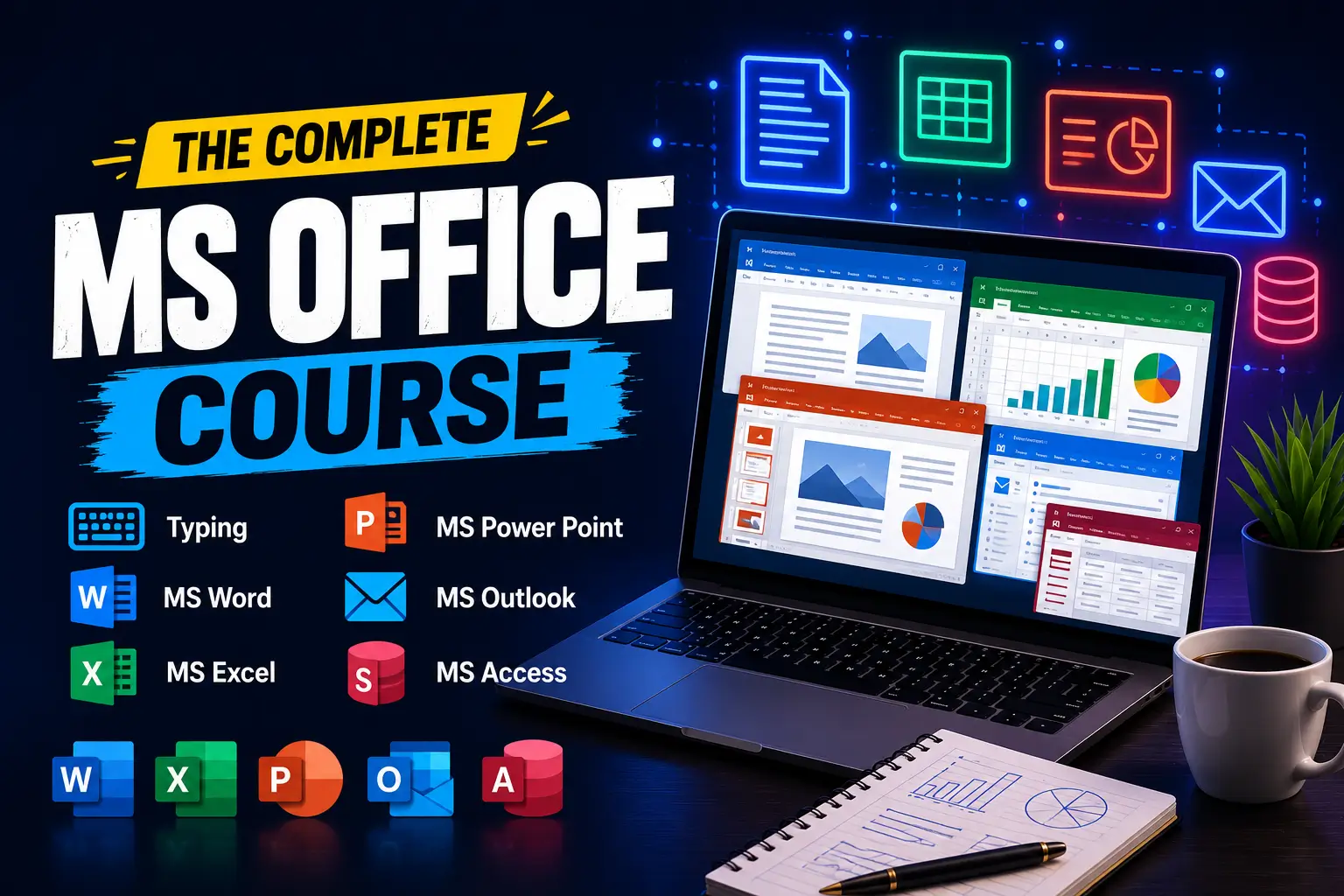
Build essential computer skills with our MS Office course, covering Typing, MS Word, MS Excel, MS Power Point, MS Outlook, and MS Access. This course introduces tools used for everyday office tasks, academic assignments, business communication, and managing information, helping learners develop confidence in working with computers.
Begin with Typing to improve keyboard familiarity, accuracy, and speed. Explore MS Word to create, edit, and format professional documents, including letters, reports, and resumes. Learn how to organize content, adjust page layouts, insert tables, and prepare documents for printing or sharing.
Develop spreadsheet skills in MS Excel, including data entry, formatting, formulas, functions, and charts. Discover how spreadsheets can support calculations, record keeping, and organizing information. With MS Power Point, learn to design clear presentations using slides, images, transitions, and layouts that communicate ideas effectively.
Explore MS Outlook for managing emails, contacts, calendars, and appointments. Learn how these features help organize communication and daily responsibilities. Get introduced to MS Access for creating databases, organizing records, and working with tables, queries, forms, and reports.
Whether you are a student, job seeker, or working professional, this course provides a foundation for using office applications more confidently and completing common digital tasks with greater efficiency.
Course Content
Overview
-
Lesson 1
00:00 -
Lesson 2
01:20:00
Keyboard Layout & Finger Placement
Touch Typing Basics
Speed & Accuracy Practice
Typing Test & Assessment
Student Ratings & Reviews